
.png)
Description
Download Dino Game Online – free endless runner, web arcade, play anywhere
Overview
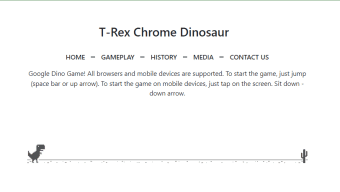
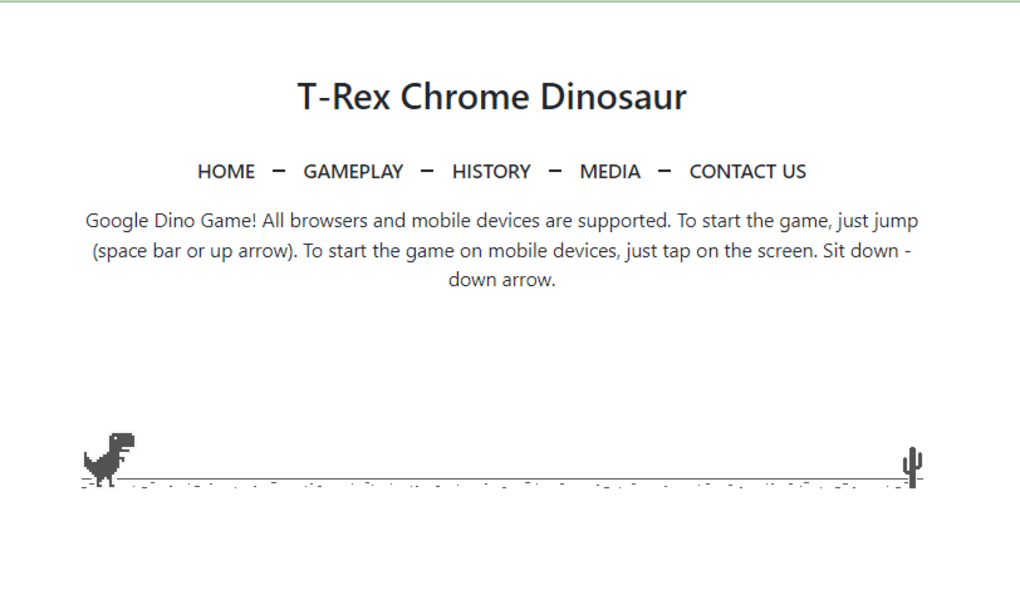
Dino Game Online brings the beloved “no‑internet” dinosaur runner from Google Chrome straight to the open web. Developed by the same team that created the original offline mini‑game, this free web‑based title preserves the pixel‑art charm, simple controls, and addictive endless‑runner mechanics while removing the need for a dropped connection. Players guide a cute, retro‑styled dinosaur across a barren desert landscape, leaping over cactus obstacles and ducking under airborne crows. The goal is pure and timeless: survive as long as possible and rack up the highest score. Because it runs in any modern browser, the game can be accessed from Windows PCs, macOS laptops, Android tablets, iOS phones, or even low‑powered Chrome‑OS devices without any installation. While the core gameplay mirrors the original, the online version adds the convenience of instant access and a persistent leaderboard that encourages friendly competition. Whether you’re looking for a quick distraction during a break, a nostalgic trip back to the early days of Chrome, or a lightweight browser game that never requires a download, Dino Game Online delivers a smooth, instantly playable experience that feels both familiar and fresh.
Key Features
- Fully browser‑based – play on any device with a modern web browser.
- Zero‑install, zero‑cost: completely free and does not require a download.
- Authentic recreation of the original Chrome offline dino runner.
- Responsive controls – spacebar, up arrow, or tap to jump; down arrow to duck.
- Dynamic difficulty that ramps up speed and obstacle frequency over time.
- Simple, retro pixel‑art graphics that run smoothly even on low‑end hardware.
- Persistent high‑score tracking via browser storage.
- Supports dark‑mode browsers for comfortable night‑time play.
- Accessible design with clear visual cues for obstacles and power‑ups.
- Multilingual interface for worldwide audiences.
Installation & Compatibility
How to Play
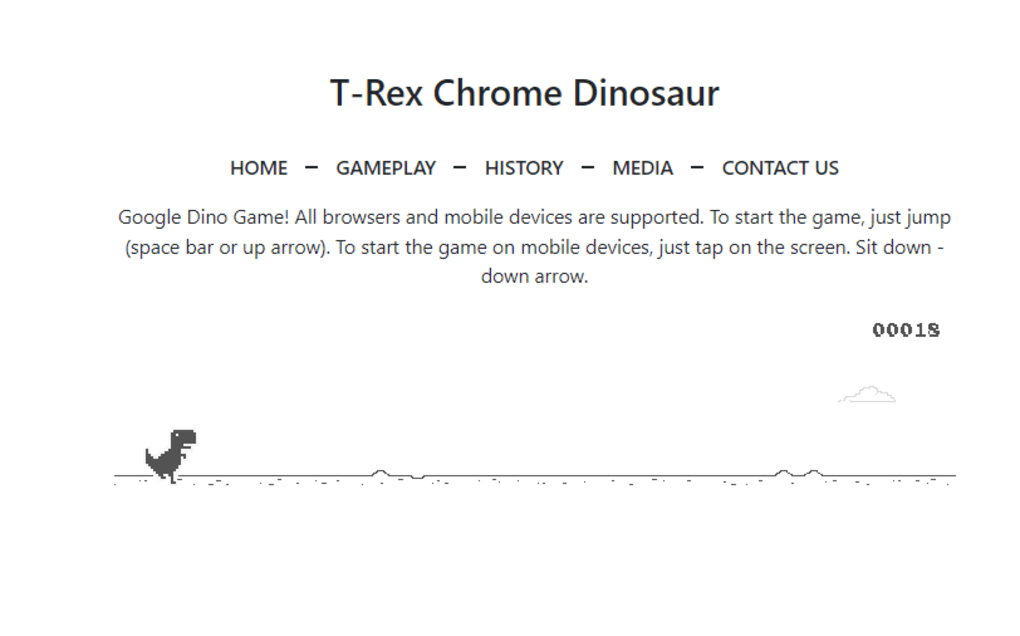
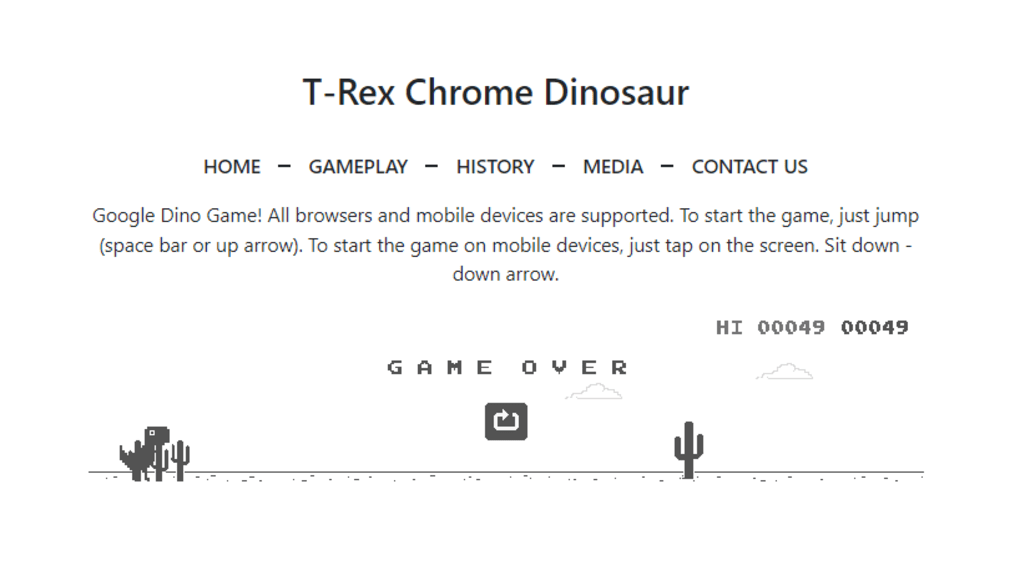
Getting started with Dino Game Online is deliberately straightforward. Open your preferred browser (Chrome, Firefox, Edge, Safari, or Opera) and navigate to the official game URL (e.g., https://dino-game.online). The game loads instantly—no download, no plug‑ins, and no account creation required. Press the spacebar (or tap the screen on mobile) to begin. The dinosaur will start running automatically; use the up arrow or spacebar to jump over cacti and the down arrow to duck under low‑flying obstacles. A simple score counter appears in the upper‑right corner, and your best score is saved locally for future sessions.
System Requirements
Because the game runs entirely in HTML5/JavaScript, it works on virtually any operating system that can run a modern web browser. This includes Windows 10/11, macOS Ventura and later, Linux distributions with up‑to‑date browsers, Chrome OS, Android 8.0+ (via Chrome or native browsers), and iOS 13+ (Safari or Chrome). The only real requirement is an active internet connection to load the page—once loaded, the game can even be played offline thanks to browser caching.
Updates & Security
The developers push small patches to the live site whenever a bug is discovered or a performance improvement is ready. Because there is no downloadable client, users automatically benefit from the latest fixes the moment they refresh the page. The site uses HTTPS, ensuring that all data exchanged (including high‑score storage) is encrypted and secure.
Pros, Cons & Frequently Asked Questions
Pros
- Instant access—no installation or registration needed.
- Runs smoothly on low‑end devices and older browsers.
- Faithful recreation of a nostalgic Chrome easter‑egg.
- Free and ad‑free experience.
- Cross‑platform compatibility encourages play on any device.
Cons
- Gameplay can become repetitive after extended sessions.
- Lacks additional modes, characters, or power‑ups that could extend replay value.
- No built‑in social sharing or global leaderboards beyond local storage.
- Graphics are intentionally retro, which may not appeal to players seeking modern visuals.
- Difficulty curve accelerates quickly, potentially discouraging casual players.
FAQ
Is Dino Game Online really free?
Yes, the game is completely free to play. There are no hidden fees, in‑app purchases, or subscription requirements.
Do I need an internet connection to play?
You need a connection the first time to load the page. After that, the game is cached and can be played offline, just like the original Chrome version.
Can I play on mobile devices?
Absolutely. The site is responsive and works on Android and iOS browsers. Tap the screen to jump, and swipe down to duck.
Is there a way to save my high score online?
Currently the game stores scores locally in your browser’s storage. There is no cloud sync or global leaderboard, but future updates may add this feature.
What browsers are supported?
All modern browsers that support HTML5 and JavaScript—Chrome, Firefox, Edge, Safari, and Opera—are fully compatible.
Conclusion & Call to Action
Dino Game Online delivers a crisp, nostalgic experience that anyone who has ever been stranded by a lost internet connection will recognize instantly. The decision to host the game on a public web page removes the quirky “offline‑only” limitation, turning a hidden easter‑egg into a universally accessible pastime. While the core mechanics stay true to the original—simple jump‑and‑duck controls, ever‑increasing speed, and pixel‑art obstacles—the lack of new content can make long play sessions feel repetitive. Still, the zero‑cost, zero‑install nature, combined with seamless cross‑platform support, makes it an excellent choice for quick breaks, classroom demonstrations, or a retro‑gaming fix. If you’re looking for a lightweight, secure, and instantly playable runner, Dino Game Online is ready in a single click.
Ready to outrun those cacti? Play Dino Game Online now and challenge yourself to beat your personal high score. Remember to bookmark the page for instant access, and share the link with friends who love a good nostalgic challenge.
Guides & Tutorials for Dino Game Online
How to install Dino Game Online
- Click the Preview / Download button above.
- Once redirected, accept the terms and click Install.
- Wait for the Dino Game Online download to finish on your device.
How to use Dino Game Online
This software is primarily used for its core features described above. Open the app after installation to explore its capabilities.
User Reviews for Dino Game Online 0
No reviews found




